
Client progress tracking app
Progress tracking that shows clients how far they’ve come. In numbers and in photos.
Weight, body fat, measurements, lifts and progress photos on one client profile. Clients log from their app, get a reminder when it’s time to measure, and you see the trend in a chart instead of loose numbers in messages and spreadsheets.
No credit card required · cancel anytime · 30 days free
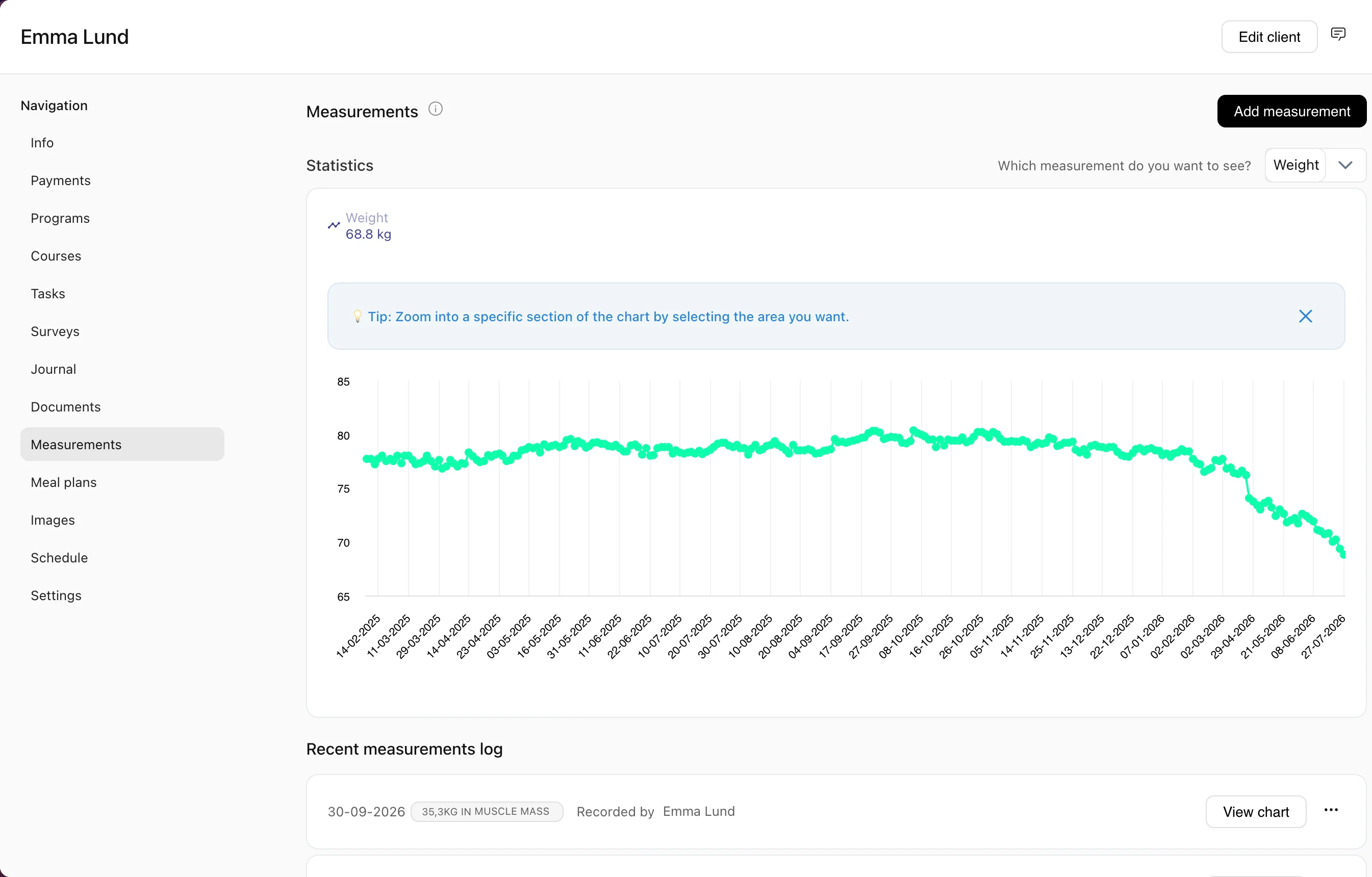
Client progress tracking means following a client’s weight, body composition, measurements, strength and photos over time, so you can see what is working and show them the result. In Coachplan, clients log their own data from the app, and everything lands on their profile as charts and a dated photo timeline.
Progress gets lost in spreadsheets and camera rolls
Most coaches track numbers in one spreadsheet, get photos by text or email, and lose sight of whether a client is actually moving forward.
Without Coachplan
- Measurements spread across spreadsheets, notes and messages
- Progress photos arriving by email, text and DM, with no dates
- Clients forgetting to measure between check-ins
- No clear way to show a client how far they’ve come
With Coachplan
- All measurements in one overview per client
- Photos uploaded in the app and dated automatically
- Automatic reminders when it’s time to measure
- Charts and side-by-side photos that make progress obvious
Who uses progress tracking?
Personal trainers
Track weight, body fat and lifts, and show clients real progress from one block to the next.
Online coaches
Clients log measurements and upload photos from home. You see the data without a single meeting.
Nutrition coaches
Follow weight and body composition closely and adjust the meal plan based on what the numbers show.
How progress tracking works in Coachplan
Four parts, from choosing what to track to showing the client the result.
What to track
Choose exactly what matters for each client
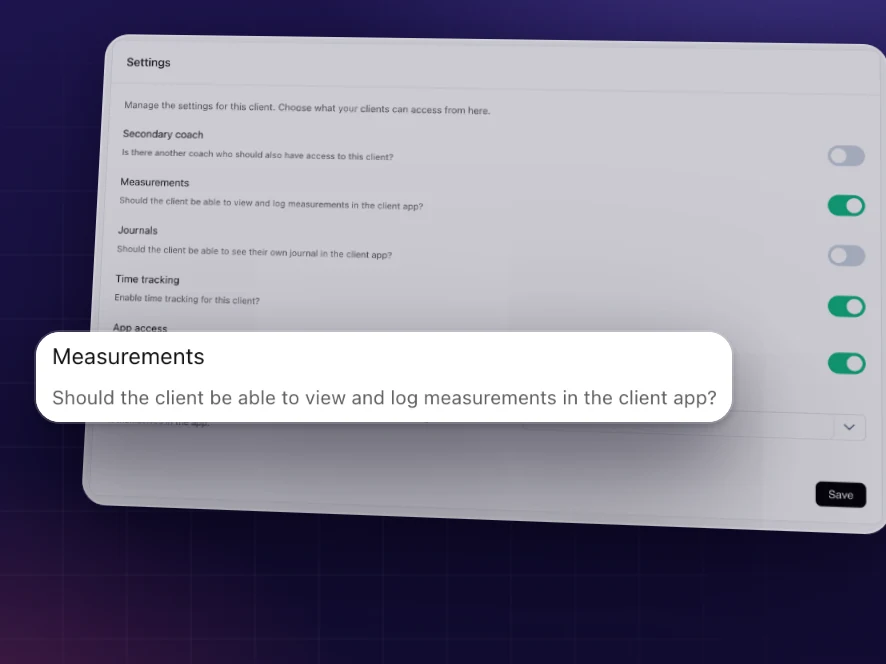
Switch on the measurement types that fit each client: weight, body fat, BMI, circumference, key lifts or your own custom measurements. You decide what each client sees and logs.
Only the numbers that matter for this client
More than numbers on a screen
Custom measurement types
Add your own measurement types on top of the built-in ones, from sleep quality to pain level.
Measurement reminders
Set a cadence in the calendar and clients are reminded automatically when it’s time to measure.
Notified when clients log
New measurements show up in your notification feed, so you can follow up without opening every profile.
Lifts and 1RM
Track specific lifts like squat, bench press and deadlift over time.
Dated photo timeline
Every photo is timestamped on upload and sorted by date on the client’s profile, from day one to today.
Side-by-side comparison
Compare two photos with zoom to show changes in posture, shape or body composition.
Per-client visibility
Decide which measurements each client can see and log, and hide what isn’t relevant to their goal.
Progress tracking vs spreadsheets and camera rolls
Questions about progress tracking
Weight, body fat, BMI, circumference measurements (waist, hips, upper arm and more), lifts, progress photos and your own custom measurement types.
Yes. Clients enter measurements in the app, and they appear on their profile and in your dashboard straight away.
Yes. Set a measuring cadence in the calendar and clients get an automatic reminder when it’s time.
Yes. Clients take and upload photos directly in the app. Each photo is timestamped automatically and added to their timeline.
Pick two photos from the client’s profile and they appear side by side, with zoom for a closer look.
Yes. Save the side-by-side comparison as an image and send it to the client yourself, for example in a message.
Yes. You choose which measurement types each client can see and log.
On the client’s profile, stored securely and encrypted. You and the client see them there, in date order.
Ready to make progress impossible to miss?
Try Coachplan free for 30 days and let clients see their own progress, in numbers and photos, from day one.
Start your free 30-day trialNo credit card · 30 days free · cancel anytime
Coachplan for your role
Considering alternatives?